Diagram Editors
The following diagram types can be displayed and edited:
|
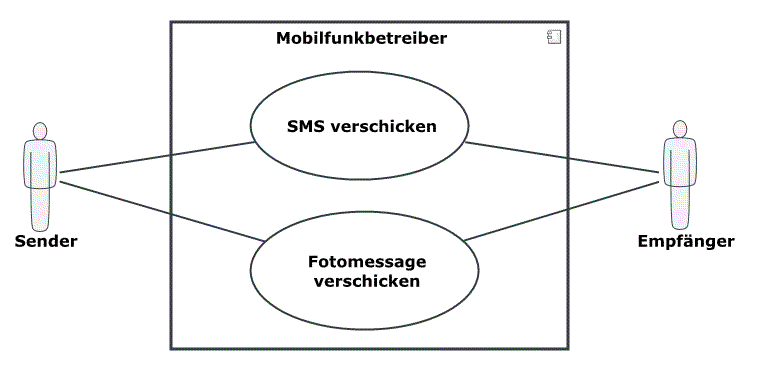
UML Use Case DiagramsUse case diagrams show the relationships between actors and a set of use cases of the system being viewed. |
|
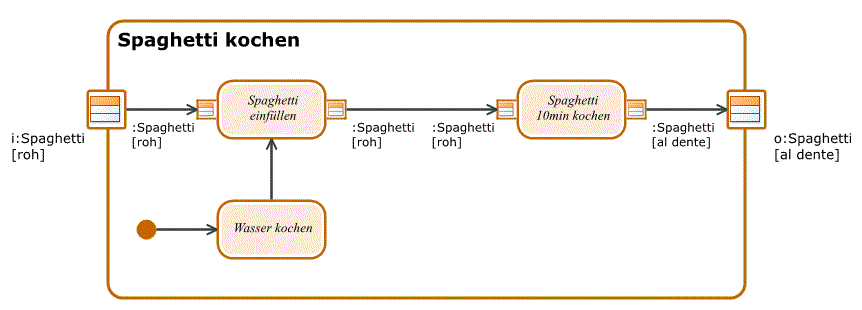
UML Activity DiagramsActivity diagrams graphically display linking of elementary actions and their relationships with control and data flows and show a particular view of the dynamic aspects of the modeled system. |
|
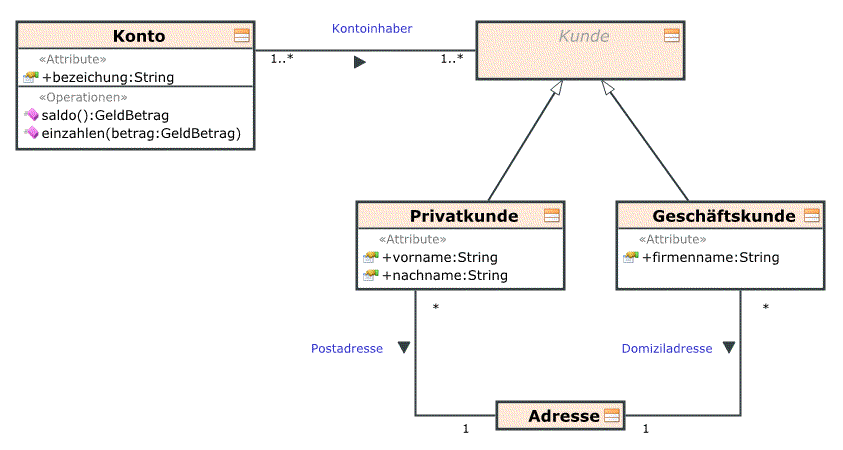
UML Class DiagramsClass diagrams are the central diagram type of UML. They describe a system's classes, its properties, operations and relationships between classes. |
|
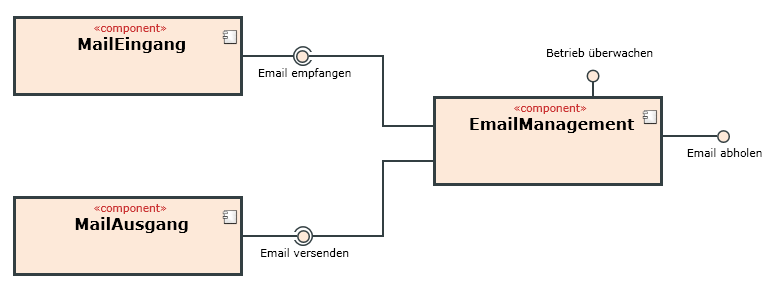
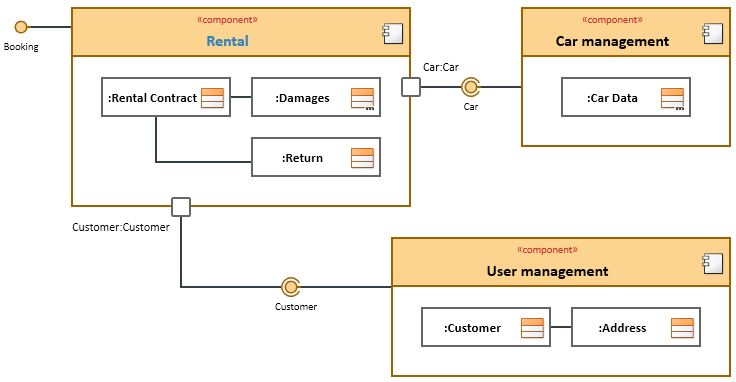
UML Component DiagramsComponent diagrams show a certain view of the modeled system's structure. The display normally contains components, their interfaces and how components are linked with each other using dependency relationships and connectors. |
|
UML Composite Structure DiagramsComposite structure diagrams show a certain view of the inner structure and interaction relationships of a classifier. Unlike class diagrams, the parts form a set structure template at runtime which defines a certain and quantitative context of the parts. |
|
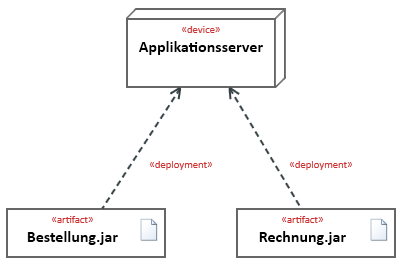
UML Deployment DiagramsThe deployment diagram shows assignment of artifacts, e.g. from software components, to hardware elements, as well as communication links and dependencies between the hardware elements. |
|
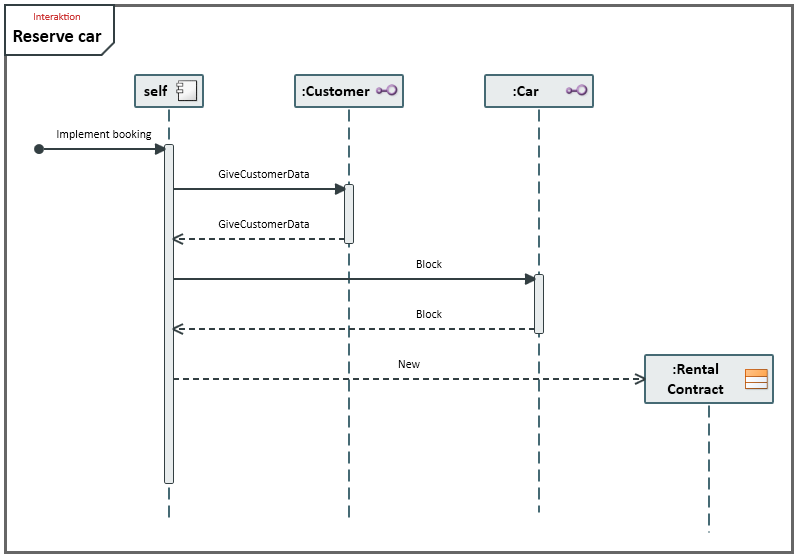
UML Sequence DiagramsSequence diagrams graphically display interaction and describe the exchange of messages between communication partners using lifelines. |
|
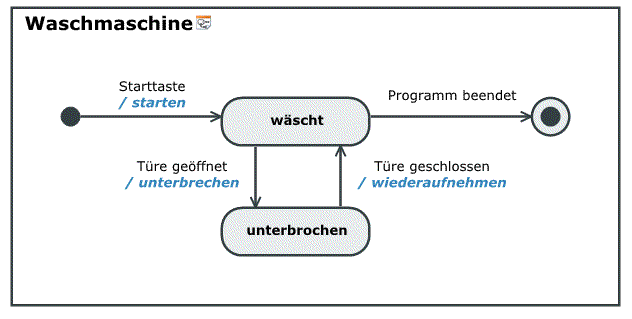
UML State DiagramsState diagrams graphically display a finite machine and are used to specify either a system's behavior or the permissible use of a system's interfaces. |
|
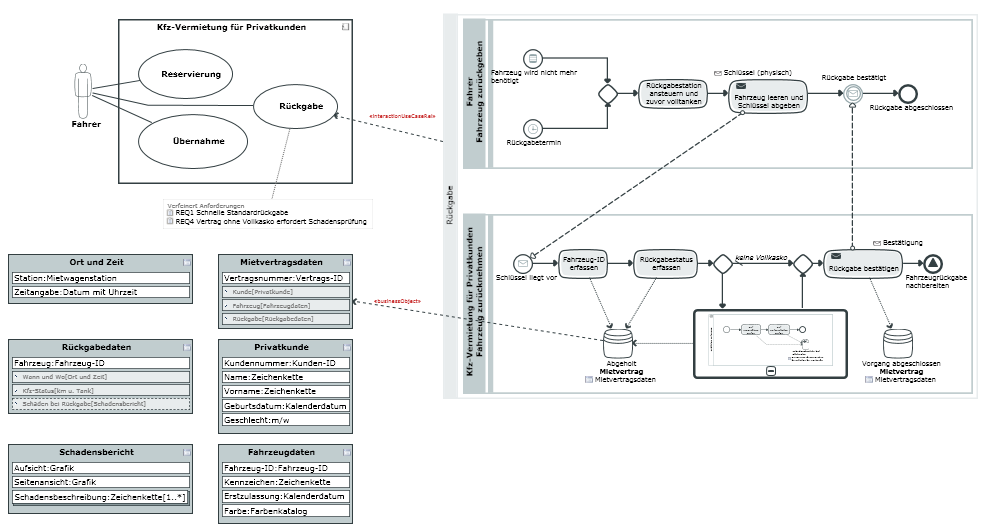
Whiteboard DiagramsWhiteboard diagrams enable visualization of relationships between model elements which would otherwise have to be visualized in different diagram types. |


