Data Modeling Editors
Innovator for Database Architects provides you with various diagrams and tables, a specification editor and other resources for developing your project.

|
Entity Relationship DiagramsEntity relationship diagrams graphically display a partial model of the conceptual schema. Entities are shown as nodes and relationships are shown as edges. The user can choose the notation they want in Options. |
|
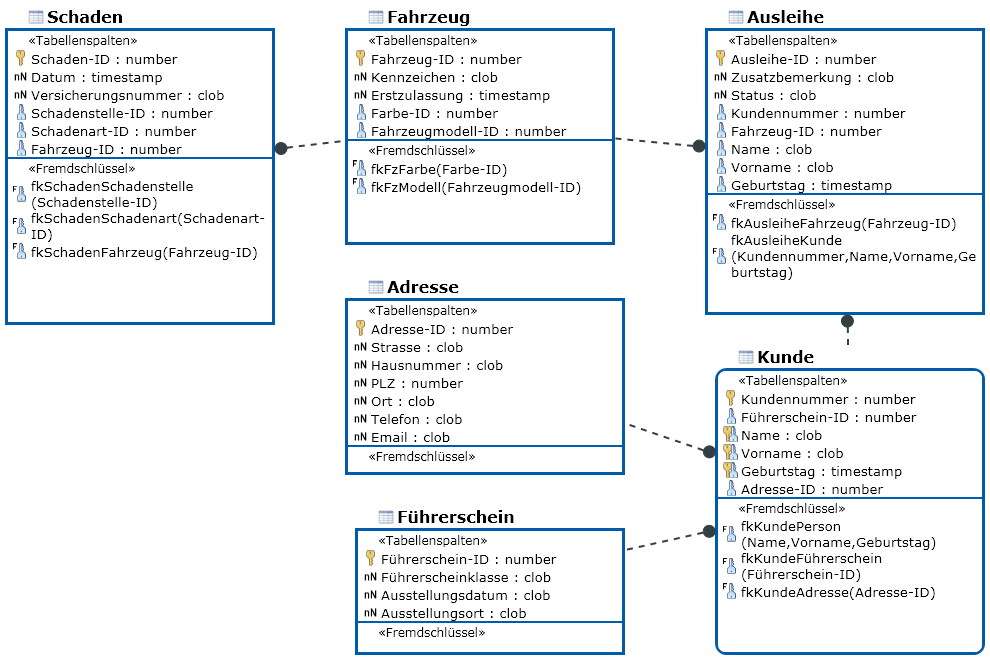
Database DiagramsDatabase diagrams show a submodel in the database schema. Database tables are shown as nodes and foreign keys as edges. Innovator uses the IDEF1X notation. Database views can also be displayed as nodes and their From clauses as edges. |
|
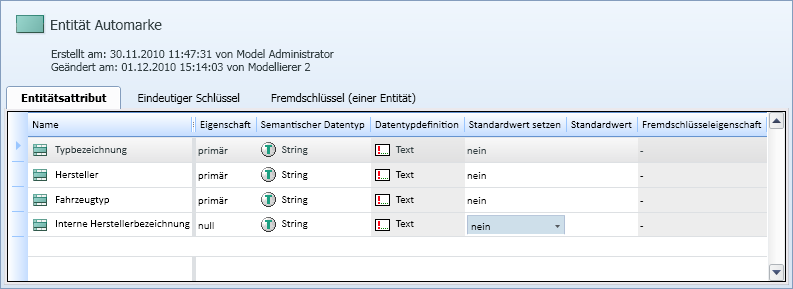
Table Editors for Editing Entities, Tables and ViewsA table contains all of an element's subelements of a certain type respectively, e.g. all attributes of an entity. |
|
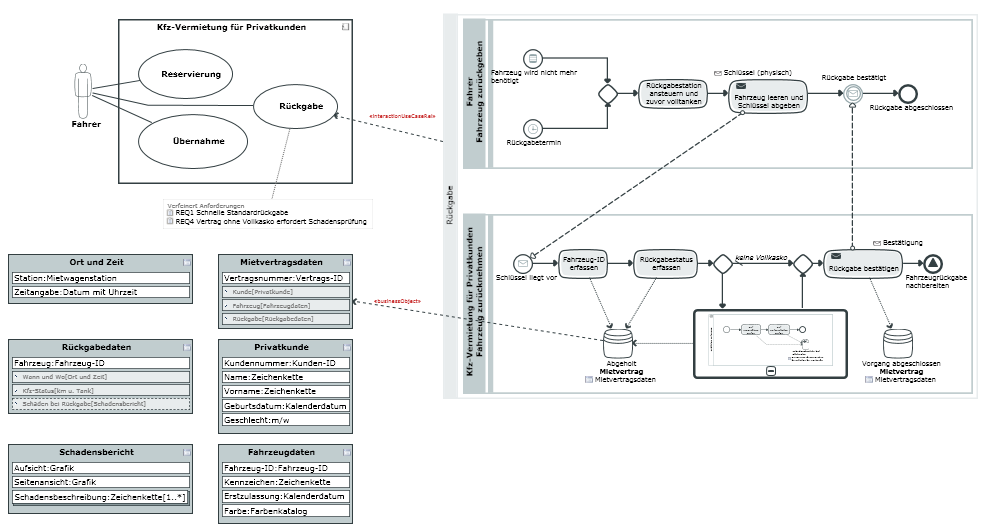
Whiteboard DiagramsWhiteboard diagrams enable visualization of relationships between model elements which would otherwise have to be visualized in different diagram types. |
Other Editors
There are special editors for certain functions; these interfaces can be called many times, unlike with tool windows.

|
Requirements EditorRequirements form the basis of every development project, regardless of whether it is a new development or working on an existing project. |

|
Specification Texts for Describing Model ElementsYou can store descriptive texts for Innovator elements as specifications; these can then be used e.g. in model documentation. |

|
Dependency EditorThe Dependency Editor is used for easily editing dependencies between various elements independently of a diagram. |

|
Compare model elementsThe Compare model elements editor is used for comparing elements from the current model or from the current model and another one. You can use filters to make the evaluation easier to read. |