Business Process Modeling Editors
Innovator for Business Analysts provides you with various diagrams, a specification editor and other resources for editing your project.
Diagram Editors
The following diagram types can be displayed and edited:
|
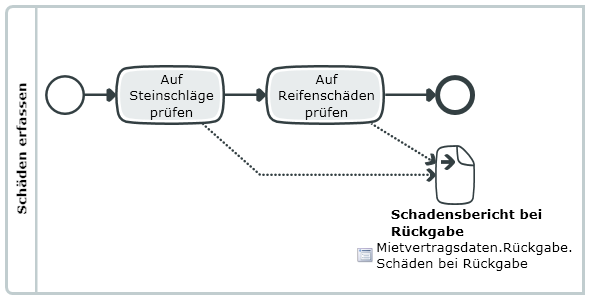
BPMN Process DiagramsProcess diagrams can be used for displaying and developing processes, as well as modeling the coordinated interaction of two or more processes using the participants of a collaboration. Interactions between participants are also modeled. |
|
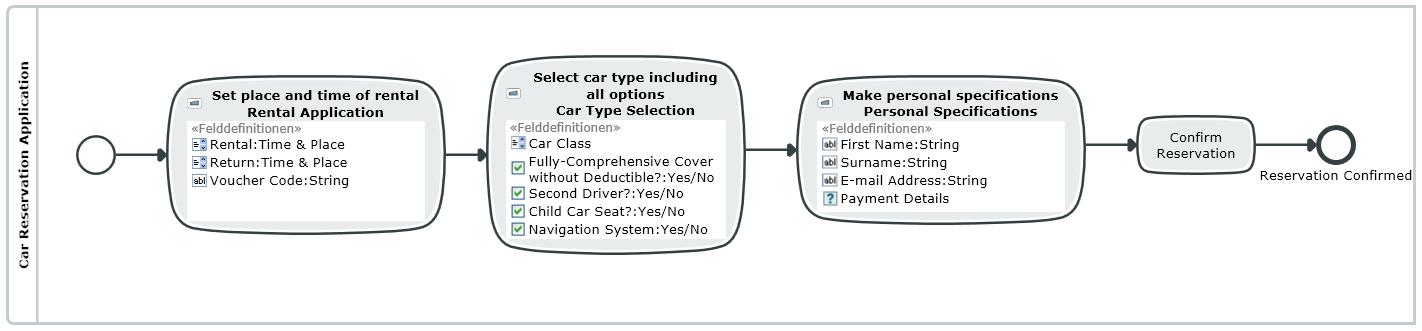
Mask Flow DiagramsThe mask flow diagram enables users of an IT application in the operating department to communicate their requirements in the form of masks, dialogs or windows. Mask flows can be tailored to suit almost all processes by extending the BPMN notation accordingly. |
|
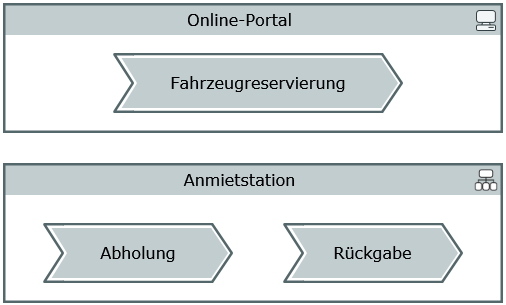
Process MapProcess maps can be used for displaying and developing processes, as well as modeling the coordinated interaction of two or more processes using the participants of a collaboration. Interactions between participants are also modeled. |
|
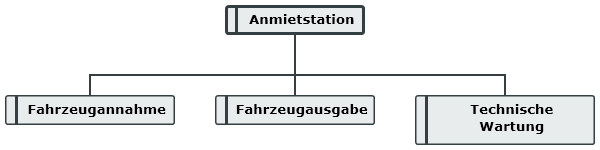
Business Resource Diagrams and Organizational ChartsBusiness resources diagrams show how business resources are connected, e.g. roles, positions and IT resources. Org charts are a special type of business resources diagram which only describe the organizational structure; organizational structures and people are relevant in an org chart. |
|
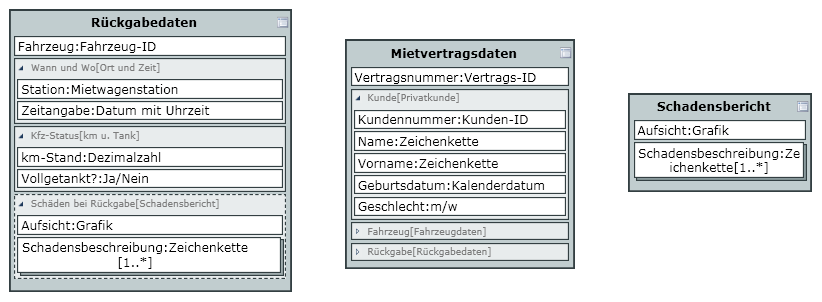
Structure Diagram for Business ObjectsStructure diagrams describe the structure of a business object. Nested structure definitions are used for this and displayed in the diagram. |
|
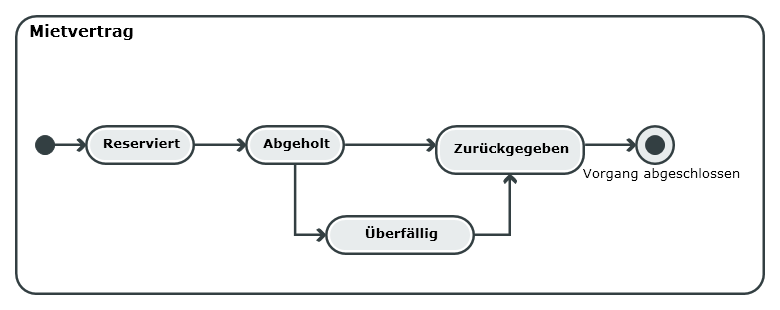
Diagrams for Business Object StatesDiagrams for business object states describe the behavior of a business object. States and transitions between these states are used for this and shown in the diagram. |
|
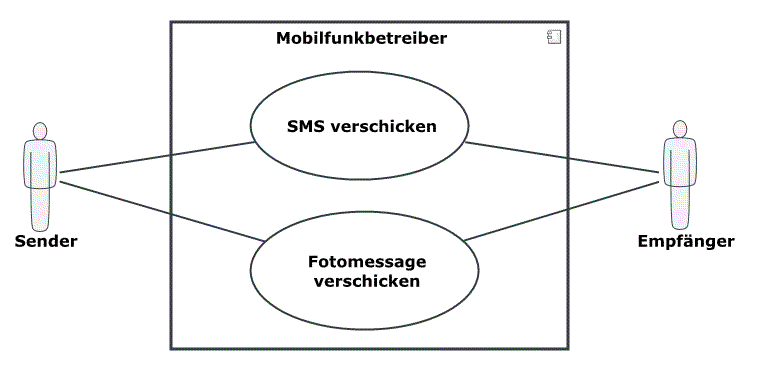
UML Use Case DiagramsUse case diagrams show the relationships between actors and a set of use cases of the system being viewed. |
|
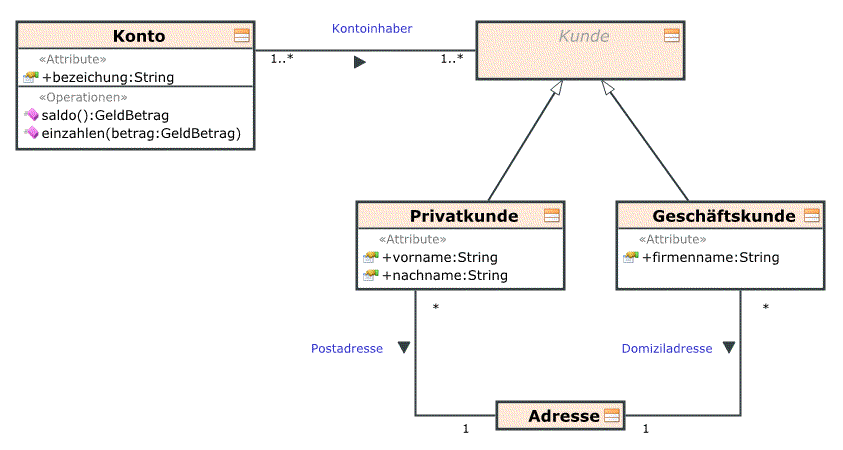
UML Class DiagramsClass diagrams are the central diagram type of UML. They describe a system's classes, its properties, operations and relationships between classes in the context of business process modeling. |
|
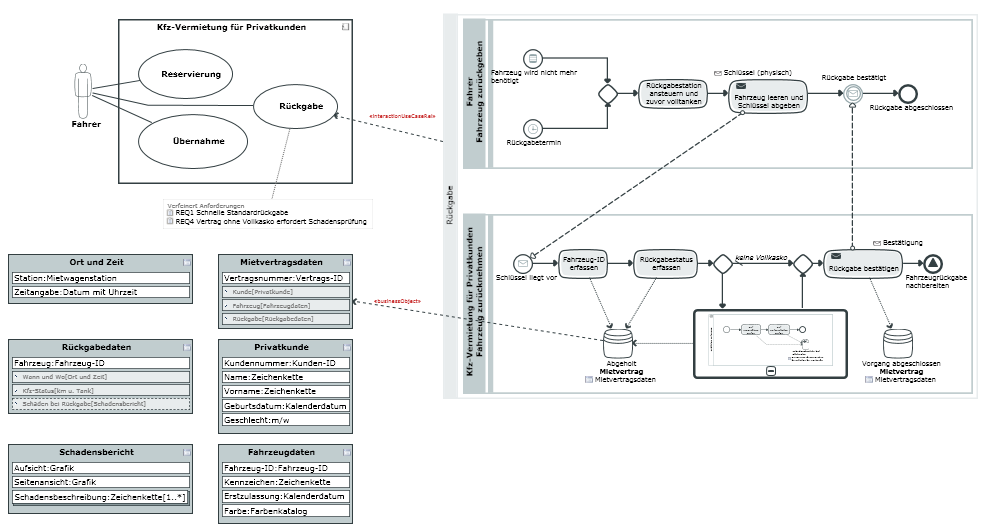
Whiteboard DiagramsWhiteboard diagrams enable visualization of relationships between model elements which would otherwise have to be visualized in different diagram types. |
Other Editors
There are special editors for certain functions; these interfaces can be called many times, unlike with tool windows.

|
Requirements editorRequirements form the basis of every development project, regardless of whether it is a new development or working on an existing project. |

|
Specification Texts for Describing Model ElementsYou can store descriptive texts for Innovator elements as specifications; these can then be used e.g. in model documentation. |

|
Dependency EditorThe Dependency Editor is used for easily editing dependencies between various elements independently of a diagram. |

|
Compare model elementsThe Compare model elements editor is used for comparing elements from the current model or from the current model and another one. You can use filters to make the evaluation easier to read. |