Innovator for Software Architects provides you with various diagram editors, a specification editor and other resources for editing your project.
Diagram Editors
The following diagram types can be displayed and edited:
|
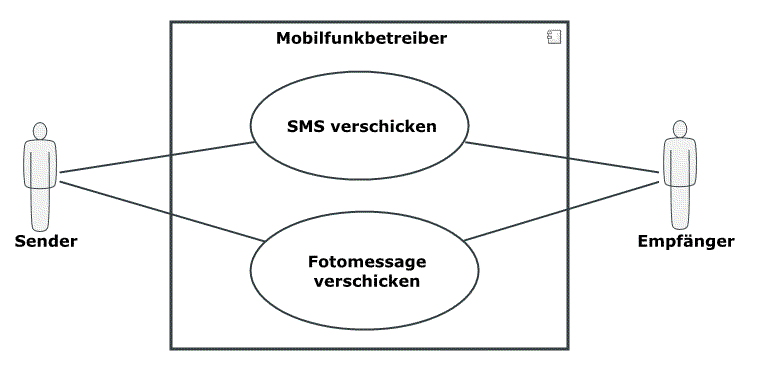
UML Use Case DiagramsUse case diagrams show the relationships between actors and a set of use cases of the system being viewed. |

|
UML Activity DiagramsActivity diagrams graphically display linking of elementary actions and their relationships with control and data flows and show a particular view of the dynamic aspects of the modeled system. |
|
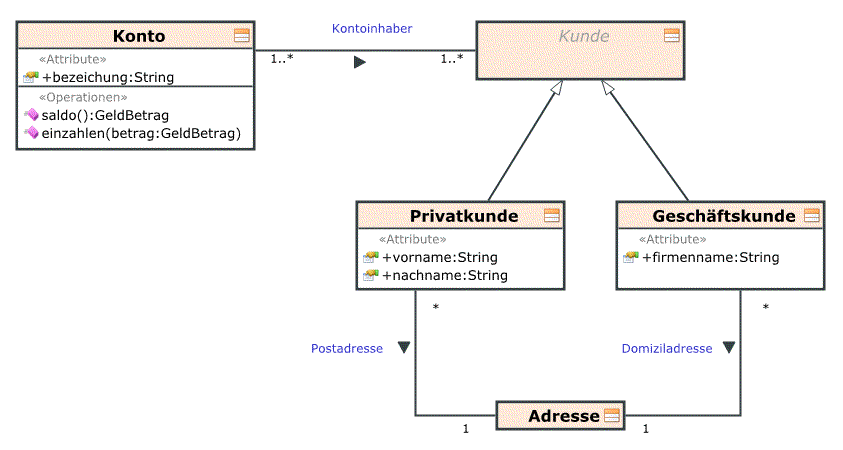
UML Class DiagramsClass diagrams are the central diagram type of UML. They describe a system's classes, its properties, operations and relationships between classes. |

|
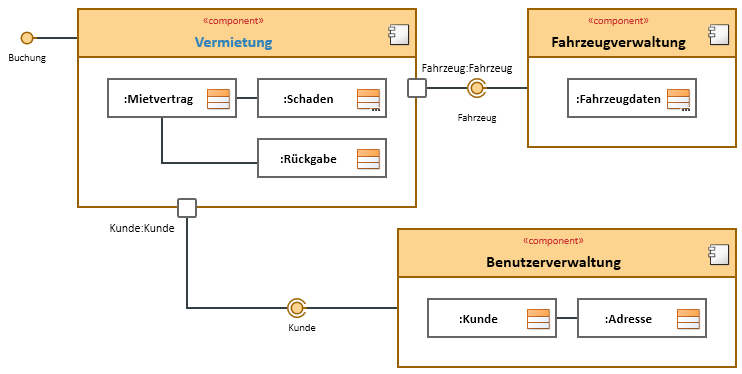
UML Component DiagramsComponent diagrams show a certain view of the modeled system's structure. The display normally contains components, their interfaces and how components are linked with each other using dependency relationships and connectors. |
|
UML Composite Structure DiagramsComposite structure diagrams show a certain view of the inner structure and interaction relationships of a classifier. Unlike class diagrams, the parts form a set structure template at runtime which defines a certain and quantitative context of the parts. |
|
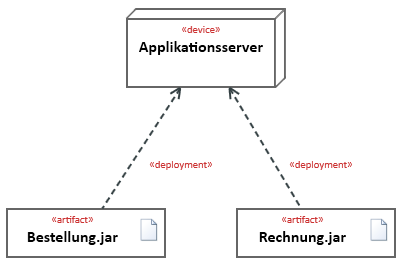
UML Deployment DiagramsDeployment diagrams show assignment of artifacts, e.g. from software components, to hardware elements, as well as communication links and dependencies between the hardware elements. |
|
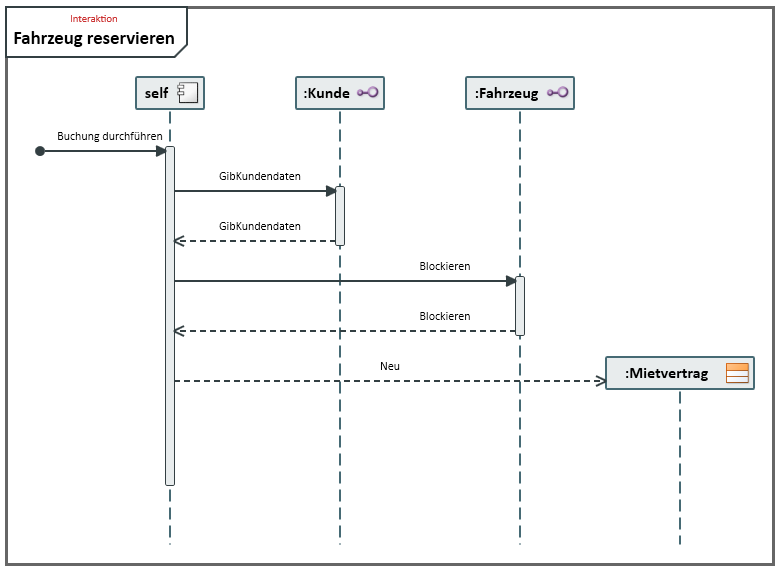
UML Sequence DiagramsSequence diagrams graphically display interaction and describe the exchange of messages between communication partners using lifelines. |
|
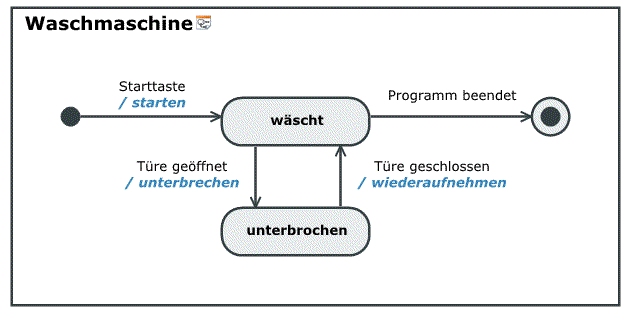
UML State DiagramsState diagrams graphically display a finite machine and are used to specify either a system's behavior or the permissible use of a system's interfaces. |
|
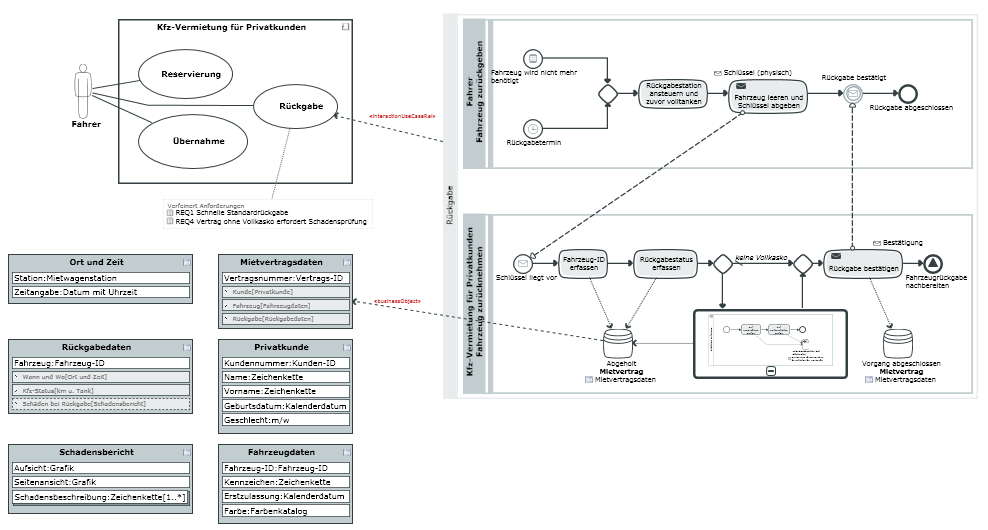
Whiteboard DiagramsWhiteboard diagrams enable visualization of relationships between model elements which would otherwise have to be visualized in different diagram types. |
Other Editors
There are special editors for certain functions; these interfaces can be called many times.


|
Classes and Components EditorInstead of editing class diagrams, it is also possible to change the structure and behavior properties of classes and components using the table editor. |

|
Specification Texts for Describing Model Elements and RequirementsYou can store descriptive texts for Innovator elements as specifications; these can then be used e.g. in model documentation. Requirements form the basis of every development project, regardless of whether it is a new development or working on an existing project. |

|
Impact AnalysisImpact analysis uses analysis graphs to depict the interconnection of model elements. The display can be configured. |

|
Dependency EditorThe Dependency Editor is used for easily editing dependencies between various elements independently of a diagram. |

|
BeamerThe Beamer tool window supports the role-based, flexible and transparent mapping of elements and can be configured in many ways. |

|
Align ModelsThe Align Models editor is used for comparing elements from the current model or from the current model and another one. You can use filters to make the evaluation easier to read. |
 Related Topics
